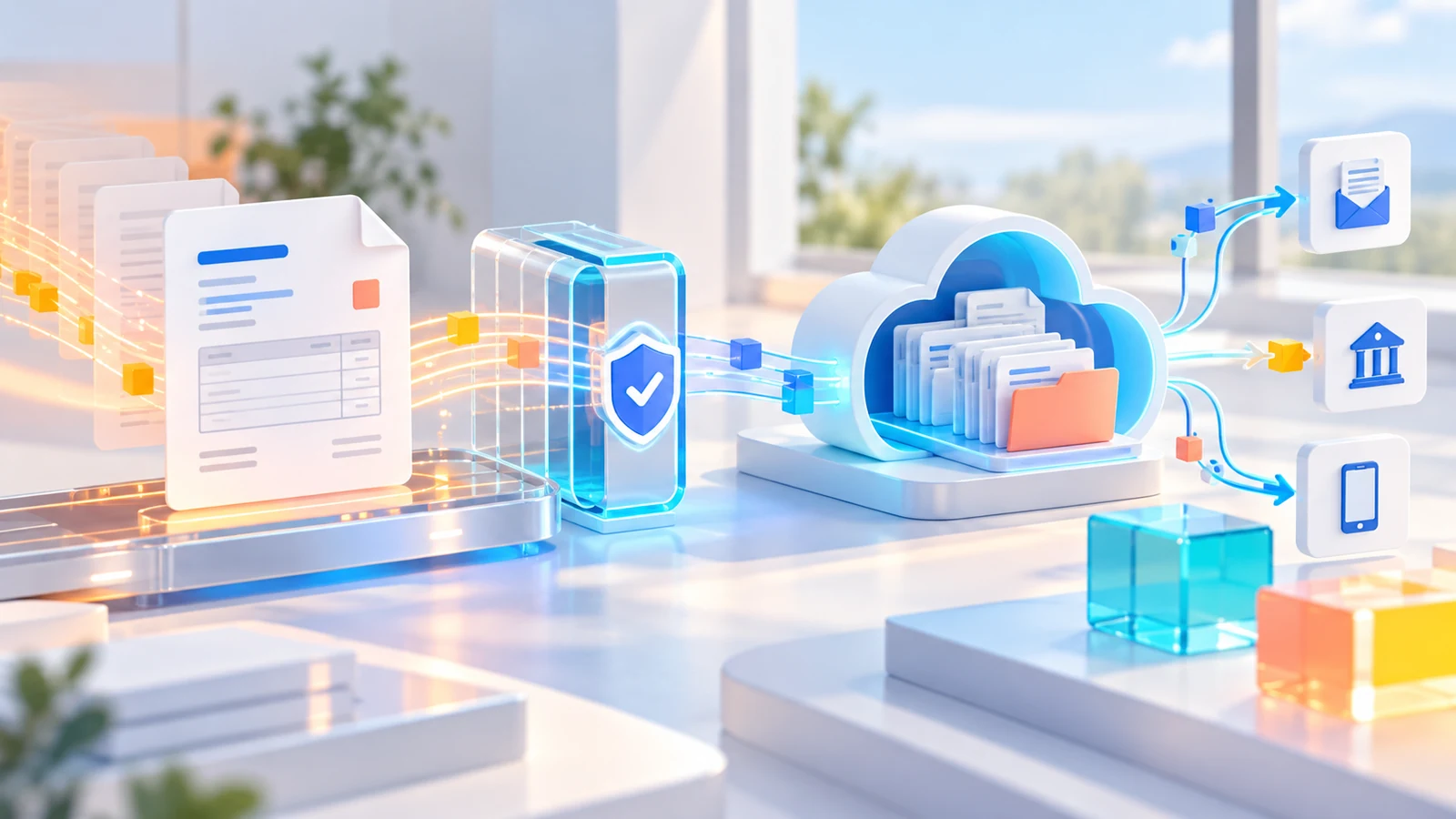
Start with routing rules, not screens
The core decision is whether the recipient is registered in the e-Invoice system and which transaction scenario applies. e-Invoice supports the electronic invoice flow between registered users; e-Archive Invoice supports invoices issued to recipients outside that scope. Sales channel, transaction type and current regulation may add detail, so finance, technology and the organisation's financial adviser should validate the routing tree together.
Make master data part of the control model
Tax identifiers, legal name, address, product or service codes, units, VAT and payment data should have a defined source. Validate missing or conflicting fields before document creation. Duplicate customer records and inconsistent product definitions eventually become reconciliation and reporting problems.
Return document status to the source transaction
When an invoice starts in ERP, accounting or a sales platform, its electronic number, transmission status, response and error information should return to that transaction. Users should not need to search a separate portal to understand whether a business event completed successfully.
Design exception handling before go-live
Missing customer data, invalid units, interrupted connections, rejected documents, cancellation and returns are normal possibilities. Define who owns each exception, where the source data is corrected, how retransmission is controlled and how the customer is informed.
Build an audit-ready archive
Keep the source transaction, structured document, human-readable image, transmission history and response connected. Add role-based access, change history, backup and recovery testing. Requirements can change, so confirm the current scope with official Revenue Administration guidance and qualified financial advice.
Pilot with representative transactions
Test ordinary invoices together with foreign currency, discount, return, cancellation and failure cases. During the first production period, monitor error rate, recovery time and manual work—not only the number of documents sent.
Turn the document into an operational control
Mysoft e-Document solutions can connect the electronic record with accounting, ERP, payment and archive workflows. Review the e-Document solution family or speak with a specialist about the right integration scope.